
Last checked: July 2026
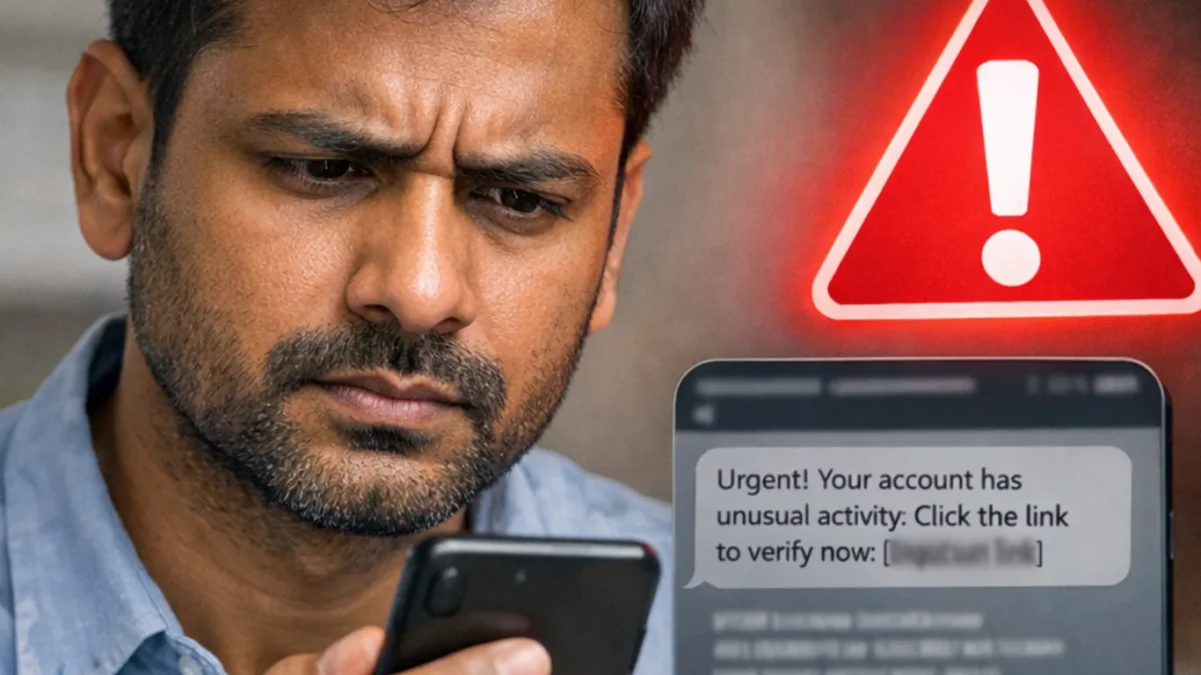
Government schemes can be confusing, and scammers take advantage of that confusion. They may send WhatsApp messages about a “new benefit,” call about a “pending payment,” offer to add your name to a beneficiary list, or demand a small fee to complete an application.
A genuine government scheme may require documents and verification, but you should be cautious if anyone asks you to pay money privately, share an OTP, reveal a bank PIN, or click an unfamiliar link to receive a benefit.
Important: Haqdaar does not collect Aadhaar numbers, bank details, OTPs, application IDs or phone numbers to check scheme eligibility. Use official government portals and authorized offices for applications, corrections, and payment status checks.
Read the Complete Guide to Government Welfare Schemes in India.
How can I avoid being cheated in a government scheme scam?
Avoid government scheme scams by using official portals directly, never sharing OTPs or bank PINs, and refusing to pay private agents who promise approval or faster payments. Check the website address carefully, verify announcements with an official government source, and report suspected financial fraud promptly via the national cybercrime helpline at 1930 or the official cybercrime portal.
Why government scheme scams are common
Many people need help with applications, payment delays, beneficiary lists, Aadhaar verification and bank-related issues. Scammers know that a person waiting for a pension, a farmer payment, a health card, or housing benefit may feel pressure to act quickly.
They often use familiar scheme names such as PM-KISAN, Ayushman Bharat, PM Awas Yojana, Ujjwala, e-Shram or pension schemes. They may copy a government logo, use official-sounding language, or claim that an application will be canceled unless you respond immediately.
A message can look convincing and still be fraudulent. The safest approach is to stop, verify, and use the official portal directly.
1. Never pay a private person to “approve” or “release” a benefit
A scammer may say:
- “Your payment is blocked. Pay ₹100 to release it.”
- “Your name can be added to the beneficiary list today.”
- “Pay a processing fee to receive your scheme card.”
- “Your application is approved, but you must pay for verification.”
- “We can guarantee your PM-KISAN or pension payment.”
Do not pay a private person who makes these claims.
Government schemes may have official processes, document requirements and verification steps. But a private agent cannot legitimately guarantee approval, release a payment, or add your name to a list by taking money through a personal bank account, UPI ID or WhatsApp message.
If you need help, use the official portal, an authorized Common Service Center where appropriate, your bank, or the relevant local government office.
2. Never share an OTP, ATM PIN, UPI PIN or banking password
An OTP is meant to protect your account or to verify your identity. If you share it, another person may be able to complete a transaction, access an account, or misuse your information.
Do not share:
- OTPs received by SMS
- ATM or debit-card PINs
- UPI PINs
- internet-banking passwords
- card CVV numbers
- Aadhaar-linked verification codes
- screen-sharing access to your phone
A bank employee, government official, or authorized service provider should not ask you to reveal these private codes over a call, message, or social media chat.
If someone says, “Tell me the OTP so I can credit your scheme money,” treat it as a serious warning sign.
3. Do not trust urgent WhatsApp or SMS messages
Scam messages often create fear or a sense of urgency. They may say:
- “Your PM-KISAN installment will stop today.”
- “Your Ayushman card will be canceled in one hour.”
- “Click now to receive ₹2,000.”
- “Your Aadhaar must be updated immediately.”
- “Final date extended—register now.”
Do not click immediately.
Instead, open your browser and type the official government portal address yourself. Check whether the announcement appears there. You can also verify the information with the relevant ministry, the official scheme portal, a local office, or a bank.
A genuine update does not become more genuine merely because it was forwarded by a relative, neighbor or WhatsApp group.
4. Check the website address before entering details
A fraudulent website may look similar to an official page but use a slightly different address.
Before entering Aadhaar, mobile, bank or application details, check:
- whether the address ends in an official government domain such as
.gov.inor.nic.in; - whether the spelling is correct;
- whether the page was opened from a link sent by an unknown person;
- whether the site asks for a fee, OTP or bank PIN;
- whether the page contains poor spelling, unusual promises or pressure to act quickly.
Do not assume that a page is official merely because it uses the national emblem, a government-style color scheme or the name of a well-known scheme.
5. Be careful with calls claiming to be from a government office
A caller may say they are from a ministry, bank, district office, CSC, Aadhaar centre or scheme helpdesk. They may already know your name, village, mobile number or scheme name.
That information alone does not prove the caller is genuine.
If you receive such a call:
- Do not share any OTP, PIN, password or bank details.
- Do not install an app or allow screen sharing.
- Ask for the caller’s name, department and official office number.
- End the call.
- Find the official number independently from the government portal and call back if necessary.
Never rely on the phone number given by the caller.
6. Do not install unknown apps to “check payment” or “update documents”
Some scammers ask people to install an app that supposedly checks beneficiary status, updates Aadhaar, fixes a bank account or releases a payment.
An unknown app may give someone access to your phone, messages, banking apps or personal files.
Install apps only from trusted official sources, and only when you have independently confirmed that the app is required. Do not install an app because a caller, WhatsApp message, or social media post tells you to do so.
7. Do not send Aadhaar, bank documents or land records through WhatsApp
Documents can be needed for genuine applications, but they should be submitted through the correct official channel.
Avoid sending copies of:
- Aadhaar cards
- bank passbooks
- PAN cards
- land records
- ration cards
- pension documents
- disability certificates
- income certificates
to an unknown WhatsApp number, Telegram account, Facebook page or email address.
If an authorized office needs a document, confirm the submission process through the official portal or by visiting the office. Keep copies of any acknowledgment or receipt.
8. Beware of fake beneficiary lists and payment screenshots
A scammer may send a screenshot showing your name on a “beneficiary list” or claim that a payment has been approved. The screenshot may be edited, old, or unrelated to your record.
Use the official scheme portal to check your own status. For example, a PM-KISAN beneficiary can use the official status service to review payment details rather than relying on a screenshot from someone else.
How to Check PM-KISAN Beneficiary Status Online.
Do not share lists or screenshots containing other people’s personal information.
9. Be cautious about social-media videos and YouTube “scheme experts”
Some videos and posts provide useful general information. Others use sensational titles to attract views, such as “Guaranteed payment today” or “New scheme for everyone.”
Before acting on a video or post:
- check the date;
- look for an official source;
- confirm whether the scheme is actually open;
- check whether the information applies to your state;
- ignore claims of guaranteed approval;
- do not follow links placed in comments or descriptions unless independently verified.
A helpful video is not an official instruction. The official scheme portal remains the final source for eligibility, application and payment information.
10. Do not let anyone use your bank account or mobile number for a scheme application
A person may ask to use your bank account, mobile number, Aadhaar or documents to register someone else. Do not agree without fully understanding the purpose and official process.
Your bank account and mobile number can be connected to important financial and identity-related services. Misuse can create problems later, including incorrect records, payment disputes or possible fraud concerns.
Use your own details only for your own legitimate application, and keep control of your documents.
How to verify a government scheme message
Before responding to a message, ask these questions:
- Is the information available on the official scheme portal?
- Does the website address look official and correctly spelled?
- Is anyone asking for money through a personal account or UPI ID?
- Is anyone asking for an OTP, PIN, password or screen-sharing access?
- Is the message trying to frighten or rush me?
- Does the scheme actually apply to my state, category or situation?
- Can I confirm the information through an official helpline or local office?
If you are unsure, do nothing until you have verified it.
What to do if you have already shared money or banking details
Act quickly if you believe you have been cheated.
- Contact your bank or payment provider immediately and explain that you suspect fraud.
- If money has been transferred or withdrawn through online fraud, call the national cybercrime helpline at 1930 as soon as possible.
- File a report through the National Cyber Crime Reporting Portal.
- Keep evidence such as screenshots, messages, call details, transaction receipts, UTR numbers, website links and suspect phone numbers.
- Do not delete chats or messages until you have saved the evidence.
- Change relevant passwords if you shared them or allowed access to your device.
- Report the suspicious number, website, or social media account through the appropriate official channel.
The National Cyber Crime Reporting Portal allows citizens to report financial fraud and other cybercrime. Its complaint process asks users to provide accurate incident details and, for financial fraud, relevant transaction information and supporting evidence.
How to report a suspicious number, website or account
The National Cyber Crime Reporting Portal includes facilities to report and check suspect identifiers, including mobile numbers, email addresses, bank accounts, UPI IDs, websites, and social media accounts.
A result in a suspect database should be treated carefully. It may be based on complaints and is not, by itself, a final finding of guilt. But it can be a useful warning sign that you should not proceed with a payment or share personal information.
Official safety and reporting links
- National Cyber Crime Reporting Portal
- Report and track a cybercrime complaint
- Check or report a suspect identifier
- Official PM-KISAN portal
- Official Ayushman Bharat
Frequently asked questions
Does a government scheme application require payment to a private agent?
Be cautious if a private person asks for money to approve, release, or expedite a government benefit. Use the official scheme portal or an authorized office to understand the correct process and any applicable official fees.
Can a government official ask for my OTP?
Do not share an OTP with a caller, message sender, or social media account. OTPs, PINs, and passwords are private security codes.
What should I do if I clicked a suspicious government scheme link?
Do not enter any details. Close the page, do not install any app, and check the scheme through its official portal. If you entered banking information or lost money, contact your bank immediately and report the incident through 1930 and the National Cyber Crime Reporting Portal.
Can I report a government scheme scam online?
Yes. Suspected online fraud and other cybercrime can be reported through the National Cyber Crime Reporting Portal. Keep available evidence such as messages, screenshots, transaction receipts, website links and suspect numbers.
Is every WhatsApp message about a government scheme fake?
No. But a forwarded message is not proof that information is correct. Verify the claim through the official scheme portal before clicking a link, sharing documents or making a payment.
Disclaimer
This guide is for general information and fraud-awareness purposes. It does not replace advice from your bank, the police, a government department or a qualified legal professional. Scheme rules, reporting processes and official portals can change. If you believe money has been stolen or your account is at immediate risk, contact your bank and report the matter without delay.